Intercom integration with Askfield lets you simplify your tasks and workflows, from sending personalized surveys to customers after resolving a query to adding new users in the customer list.
Intercom Survey Integration: Use Cases
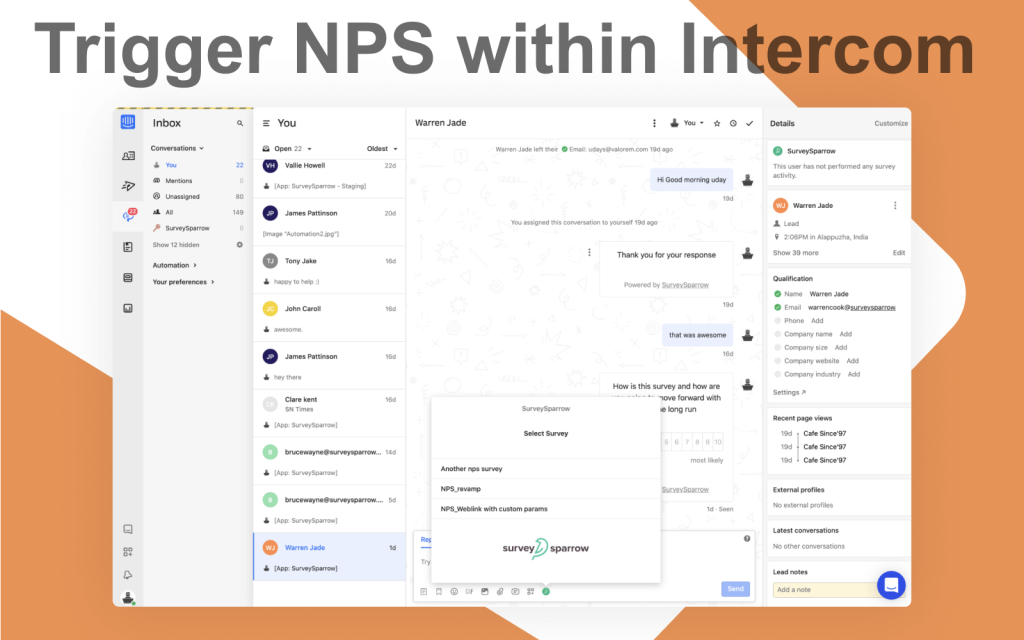
Trigger NPS through Intercom Chat and Capture Customer Loyalty
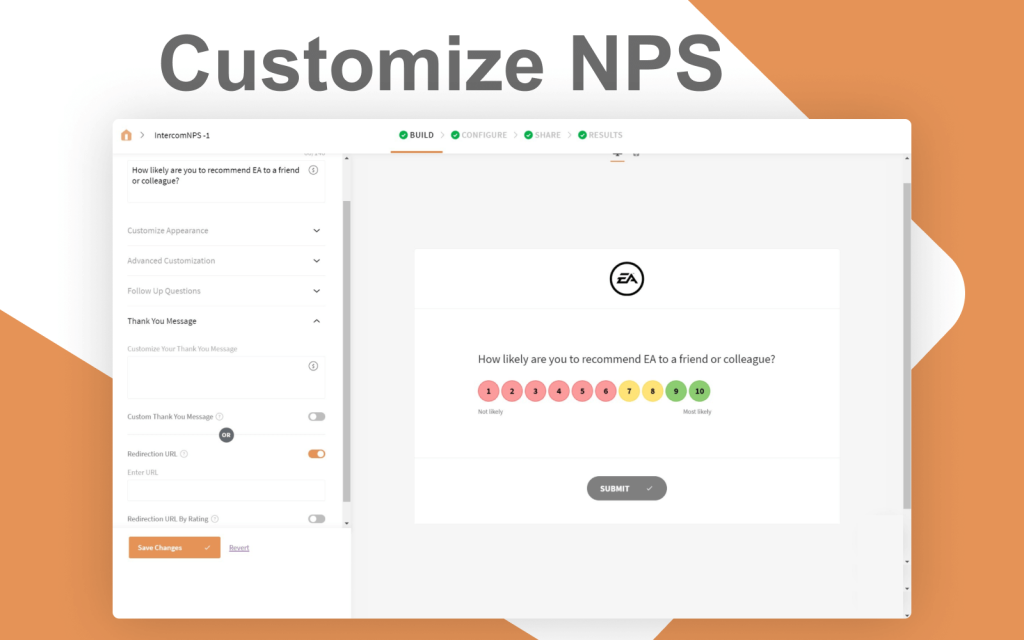
Customize NPS with the follow-up questions to gain more insights about customer loyalty. Navigate to Configure → Integrations, and enable the Intercom toggle to authenticate Askfield with your Intercom account.
Install Askfield app from the Intercom app store. Trigger the NPS in your Intercom chat and capture the customer loyalty without moving an inch from your Intercom account.
How to set up your Intercom Survey Integration
Webhooks
A webhook in web development is a method of augmenting or altering the behavior of a web page, or web application, with custom callbacks.
Step 1: Sign in to a Developer Account and select New app. Choose an App name, Workspace and select Internal Integration if your app is used internally.
Step 2: Configure the access token and OAuth, and select a permission level.
Step 3: Choose a canvas kit and configure app capabilities(In this case, Place on Messenger Home screen). Enter the Webhook URL and Save.
Step 4: Save and test the App.
Zapier is an online automation tool that connects your apps and services. You can connect two or more apps to automate repetitive tasks without coding or relying on developers to build the integration.
Trigger – New Survey Submission
Step 1: Choose App and Event – Intercom and New Closed Conversation
Step 2: Choose Account – Sign in to your Intercom account
Step 3: Customize Deal
Step 4: Find Data – Choose sample data to send
Step 5: Test the connection
Action – Add/ Update Subscriber in Mailchimp
Step 1: Choose App and Event – Askfield and select a survey to send
Step 2: Choose Account – Sign in to your Askfield Account
Step 3: Customize Share Survey
Step 4: Select a survey from the list
Step 5: Select a share option (In this case, Email Share)
Step 6: Select a recipient email ID
Step 7: Pass a custom variable(Example: contactid)(Optional)
Step 8: Test the connection
See Askfield in Action
Go conversational, get more responses. No credit card required.